

Understanding the structure of your data, reviewing your data and visualizing your data are the steps in any programming. We will go through the basics of data formats in R programming for entering data in this post and accessing & importing the data that is stored outside of the R environment in the next post.
As you might remember, we mentioned variables in the “Introduction & Installation” post. The variables are named storages that we can change, manipulate and store the data values. When you store the variables, they will allocate the memory. This is also the case in many other programming languages. When you store your data, there are different type variables and different structures associated with that. In entering the data part of this post we will go over a variety of data formats in R.
The following diagram summaries the data formats that we have in R programming;

Let’s have a quick review of each of them below.
Data Types
There are various different data types in R programming where the operating system allocates memory based on the data type`s variable and reserves required memory. The following graph shows the different type of data types and the table gives examples with some explanations.
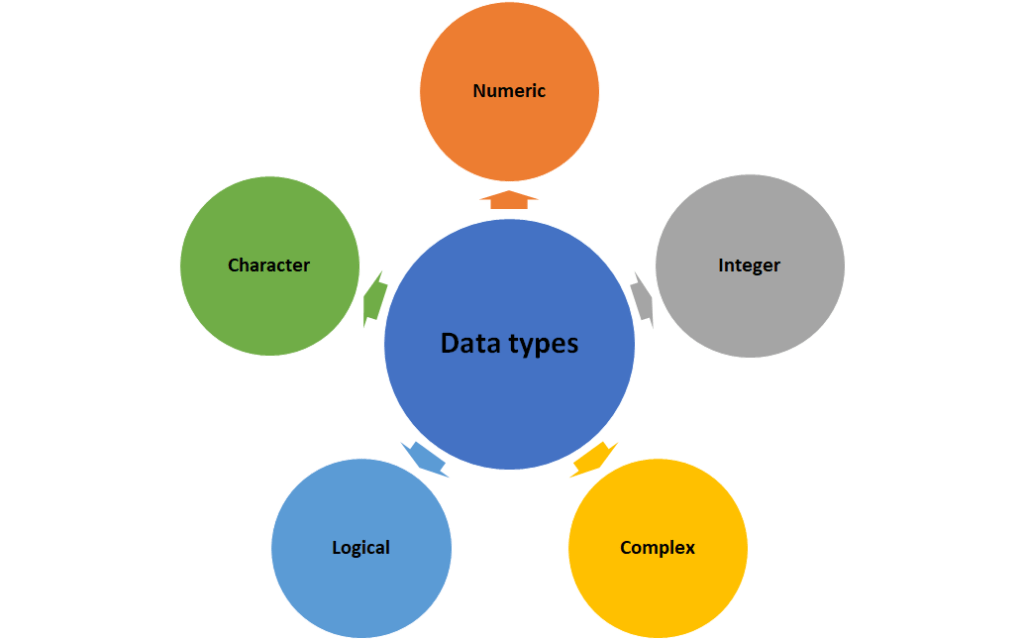
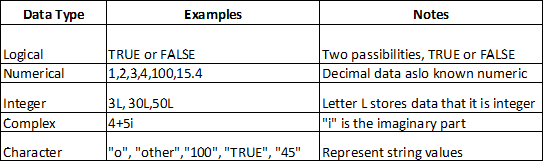
You can use class() function to check which type of data we have.
Example1;
vector = TRUE
class (vector)
You will see the output like following;
[1] “logical”
We can also convert three different numbers types between each other; integer, complex and numerical with following functions;
as.integer()
as.complex()
as.numeric()
Example2;
#integer
n1=5L
#numeric
n2=12
#convert integer to numeric
c1=as.numeric(n1)
#ask for data type
class(c1)
Operators
R programming uses different variables and data values to perform different operations. The following graph shows the different operators in R and the table gives descriptions for each operator.
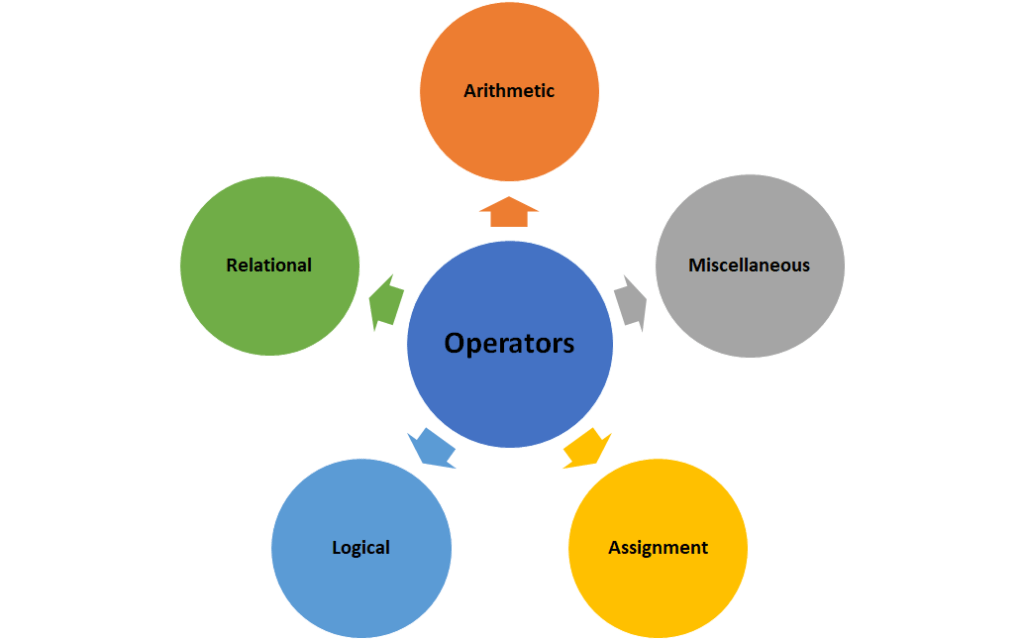

Let’s look at some of them with examples.
Examples;

Statements
If there are more than one conditions to be looked at to make a decision, then we need to use statements. The following graph shows the commonly used ones.
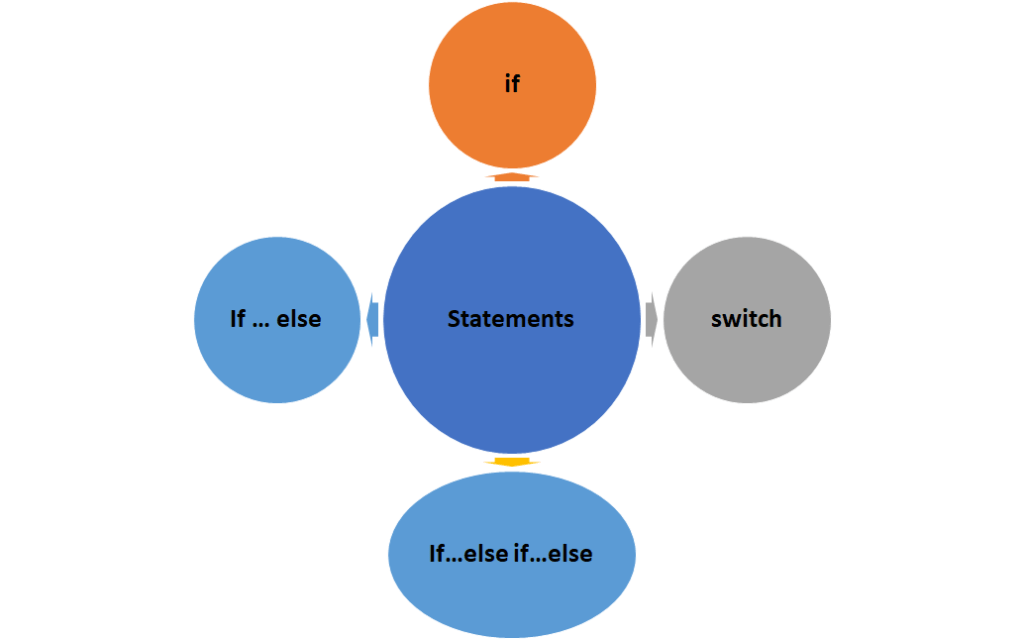
“If” statement uses if keyword, “if …else” statements use if keyword and followed by the else keyword and “switch” statement uses switch keyword and allows a selection control through a list or search.
R programming uses the operators and the curly brackets to define the required scope in the program. Following summaries the syntax of different statements;
If statement
if (condition) {
print(“code to be printed with condition”)}
If…else statement
if (condition) {
print(“code to be printed if condition is True”)
} else {
print(“code to be printed if condition is False”) }
If…else if… else statement
if (condition 1) {
print(“code to be printed if condition 1 is True”)
} else if(condition 2) {
print(“code to be executed if condition 2 is True”)
} else if(condition 3) {
print(“code to be executed if condition 3 is True”)
} else { print(“code to be printed if all conditions are False”) }
Examples;

You can create statements for more than one data. See below examples;

If you want to create multiple cases for conditions then use switch statements with an expression to search, match and print. Statement will have following syntax;
switch(expression, case for condition 1, case for condition 2,case for condition 3)
Examples;

Data Structures
There are different objects in R programming structure and I tried to summarize them in the following graph and the table showing which functions, parameter will be used and some explanations.
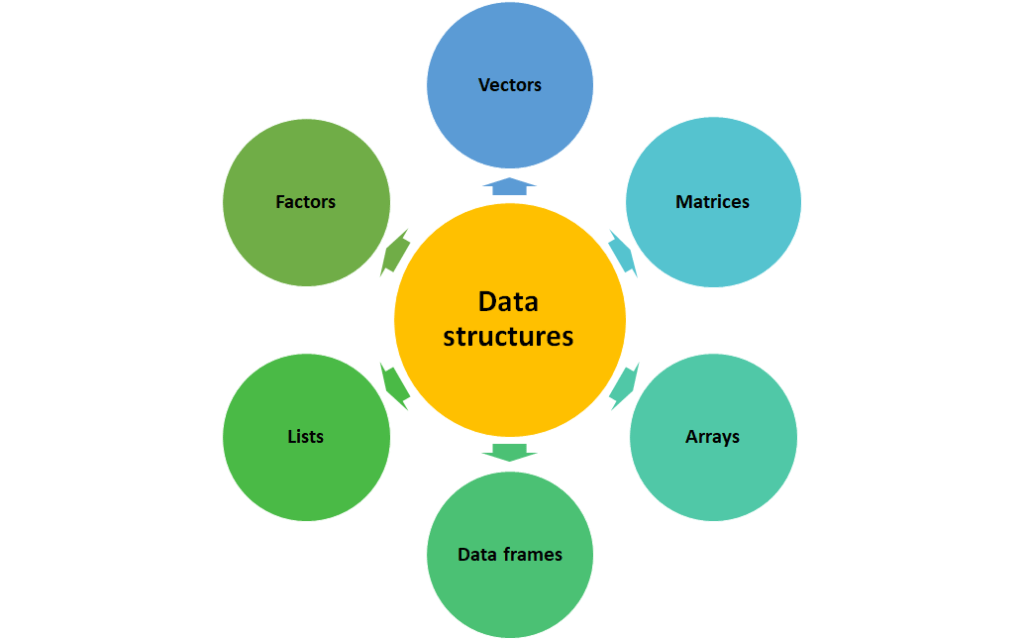
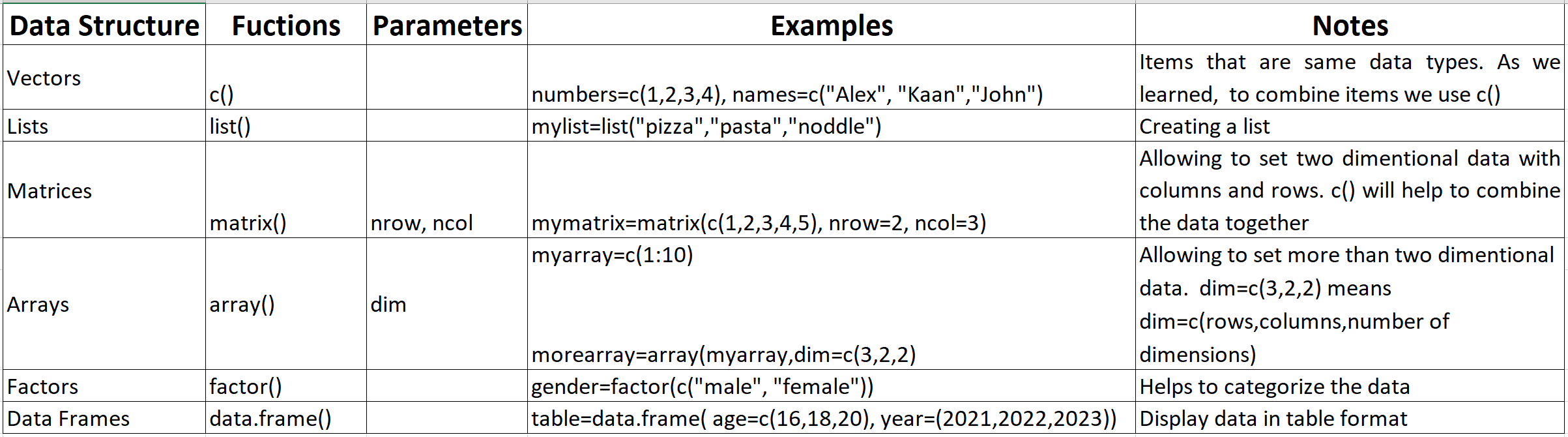
Let’s look at the some examples.
Examples;


I hope this gives you an understanding of the basics of different data format in R for entering data. Next, we will have a quick look at how to access & import the external data into R.
 123 CODING WITH ME